
Getting started with Anymail finder
We'll cover the basics of how to use Anymail finder by explaining the features and results you'll see.

Searching for a person and getting back a verified email
If you already have the name and domain you can simply enter those into Anymailfinder.com:
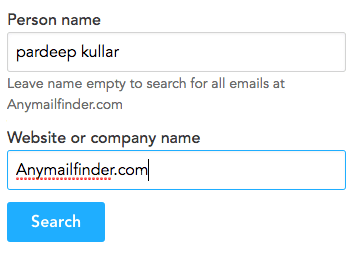 If we find and verify the email, you'll see something like this:
 That means it has been verified directly against the mail server and does exist. The delivery rate of emails like this are above 97%.
The few rare occurrences when they bounce are due to full mailboxes or an odd server configuration.
Searching for everyone at a domain
If you don't have a name and want Anymail finder to return all emails for a domain then leave the name field blank and click search.
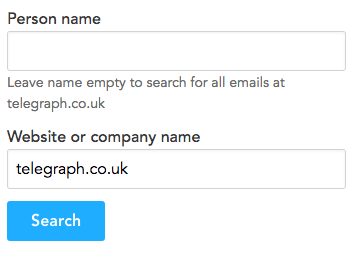 When you get back verified emails for that domain, you'll see something like this:
 No matter how many emails it returns, you only ever get charged one credit per query.
Uploading a file to get emails in bulk
Lets say you have a file which has a person's name in one column and their website in another and you want emails for them. A file like this:
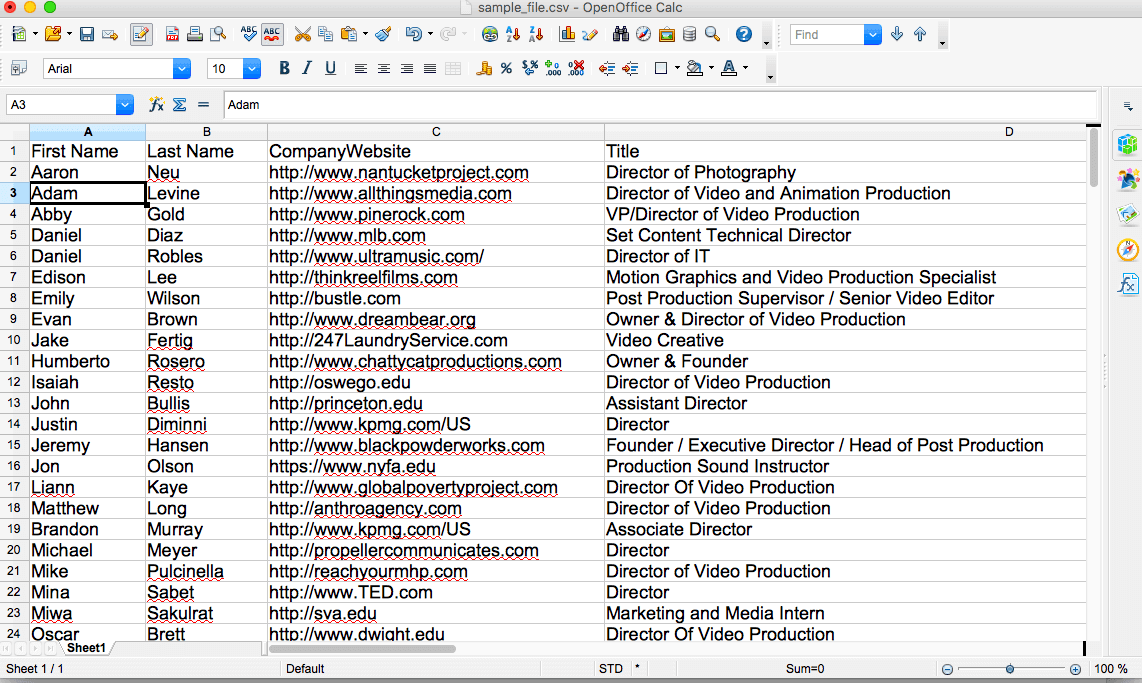 Note: The name can be in separate columns or in the same column, it does not matter.
Click on 'Upload file' within Anymail finder main bar:
 Then, click on the upload button on the left:
 At the top of the 'first name' column, click the drop down list and choose 'first names'. Do the same with the surname.
If you have a file with both first name and surname in one column, just choose 'full names'.
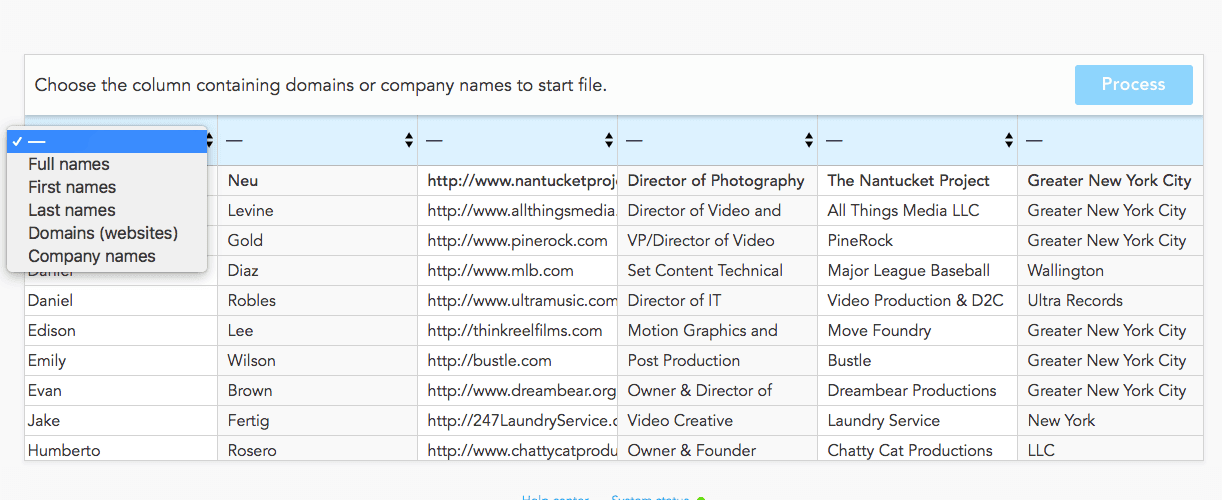 Then choose the websites column BUT if you don't have their website you can also choose the company names column.
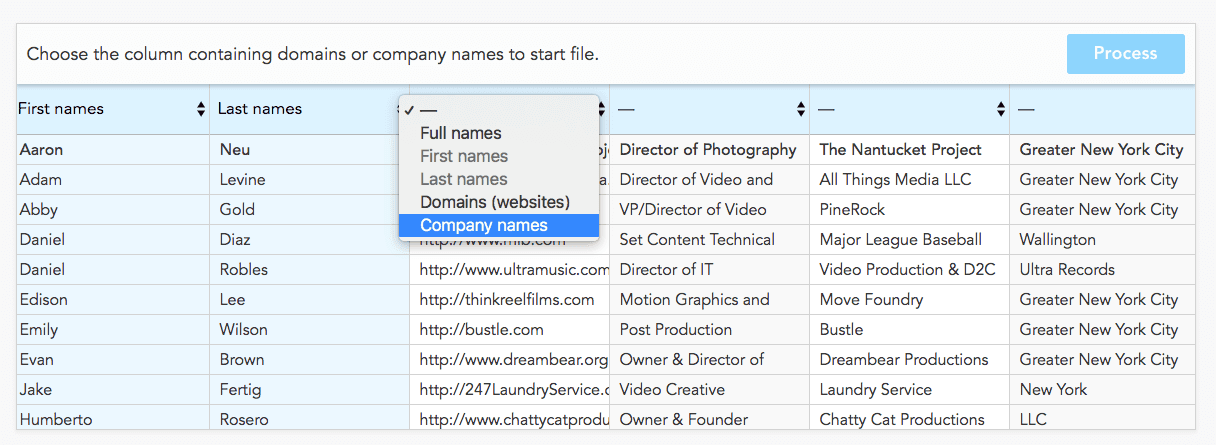 Finally, hit the process button.
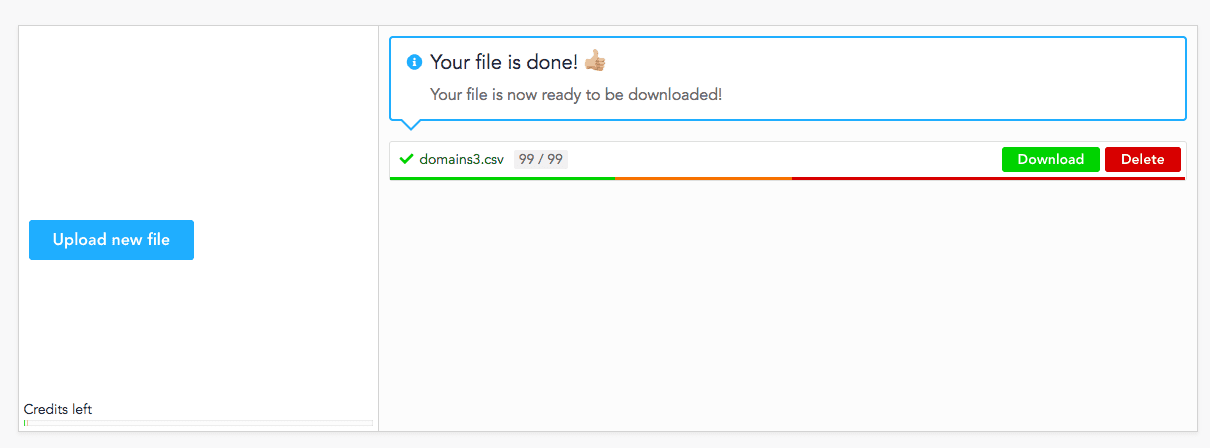
When the file has completed processing, you'll receive an email with a link taking you directly to the download page or you can just click on 'file upload' again and see this:
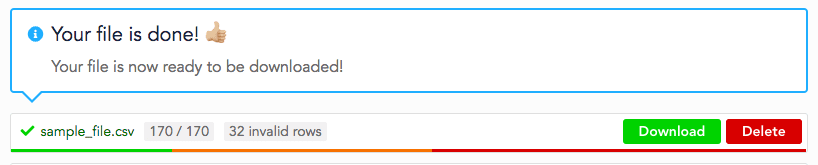 When you've downloaded the file, you will have all your original data and several new columns.
What do the columns mean?
The email column contains the verified email. If we couldn't find a verified email, the column is empty and the amf_status column says not found.
Discover our Email Finder here.
Discover more about our Bulk Email Finder here.
We also have an API for the developers out there.
Discover our Email Finder API here, we recommend using Postman to test out your queries.
How do I find 1000s of names and websites to upload to Anymail finder?
We cover some brilliant methods of rapidly finding files to upload to Anymail finder to convert into leads within this big giant free list of email finding methods.